About SimpleTS

Purpose - get data from ThingSpeak.com and show it

Capabilities

It have 2 variants - application and widget/
APK file directory address on site SimpleTSViewer/app/release/
Link to download APK file
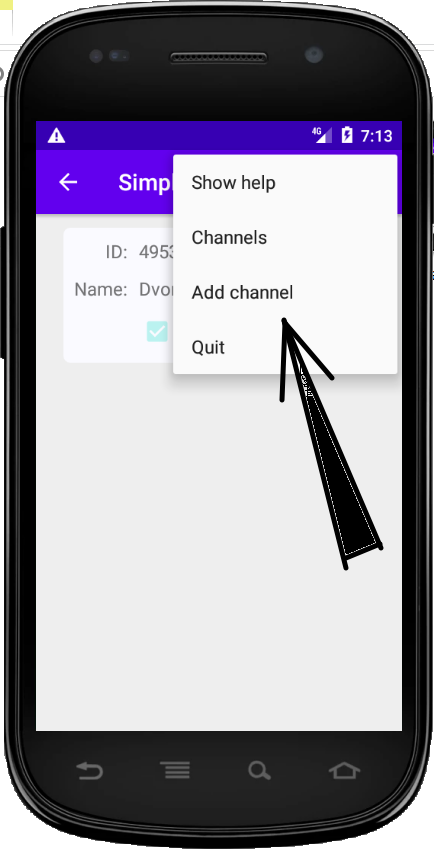
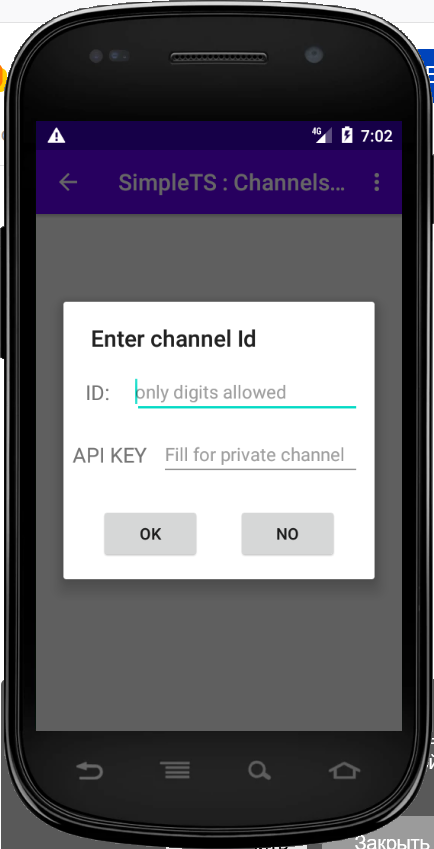
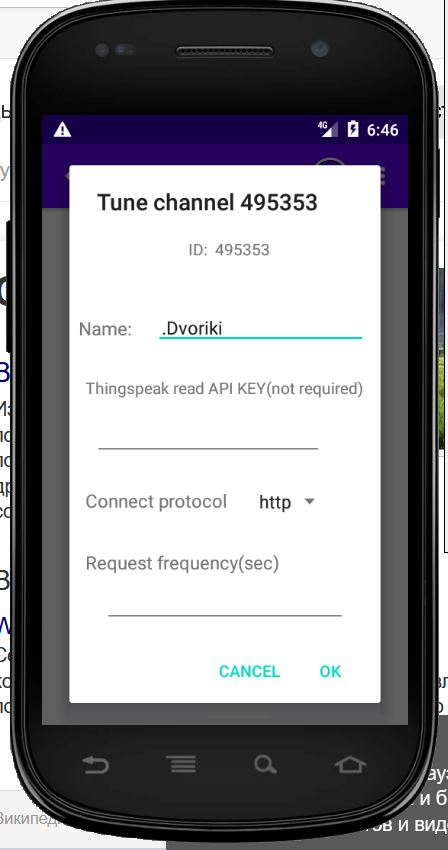
Menu On first start the create dialog be appear automatically. After may create channel from channels screen in add channel menu. first part add channel Second step - fill channel settings.
  1. Channel name and api key. Key fill only for private fields. In other case it is can`t mandatory.
  2. Update frequency - set for show real time diagram. Set from 2seconds to infinity. Open channel support from 15 seconds.
  3. Proto http or https. Http faster. Https secured.
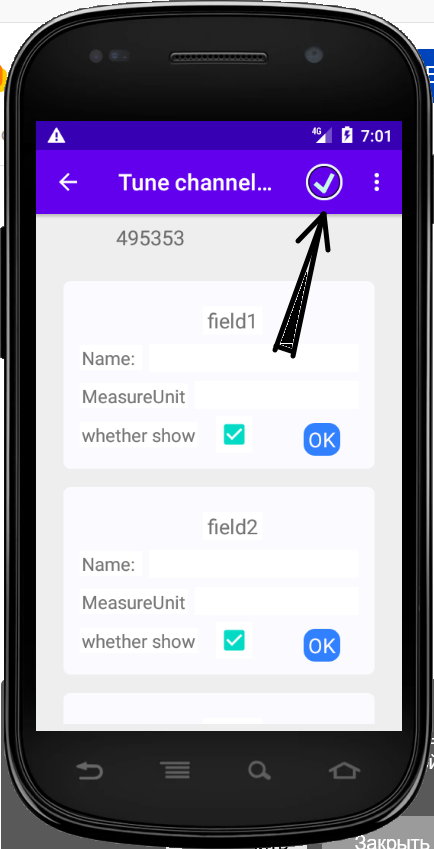
fields properties For field in channel good action is set: field name, measure unit. Checkbox set for show field, otherwise field can`t show. Press on Ok button leave to hide this field - may get for next. If can`t press field properties be showed
  • Name - field label.
  • Measure unit label for value(meter. mm Hg and etc.
  • Checkbox by default is set(field show)
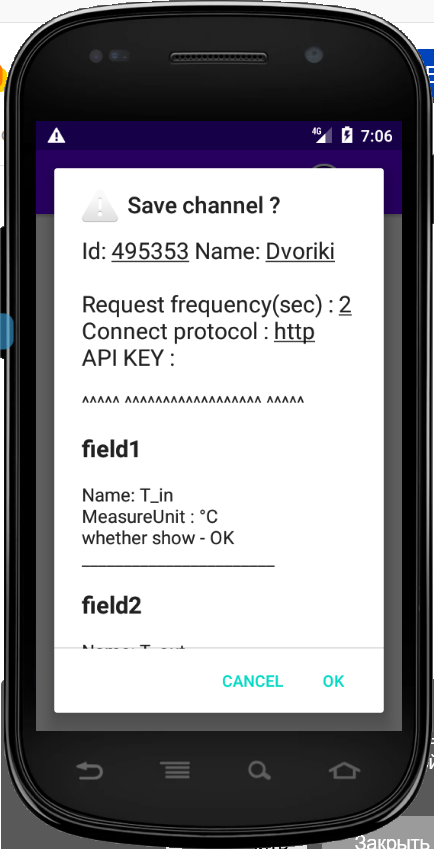
After fill all fields tap on check on action bar (see picture)
on save settings In save dialog check values and press Ok if good. Otherwise press cancel and fill all yet another time.
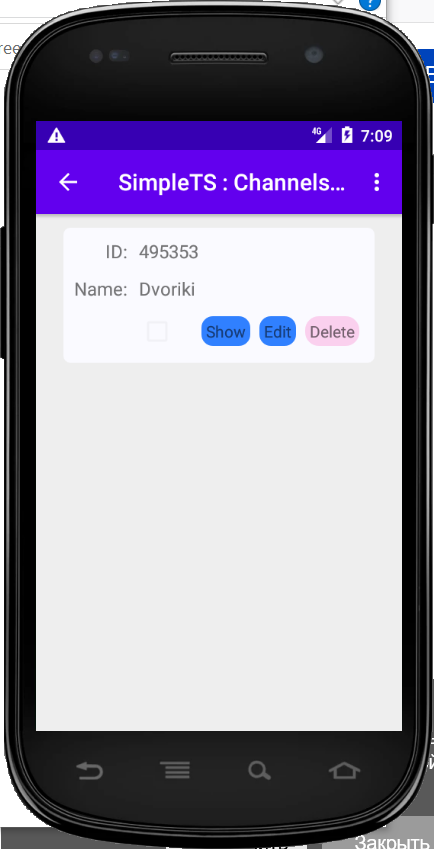
If success - go to channels screen. There may edit, see and delete channel.
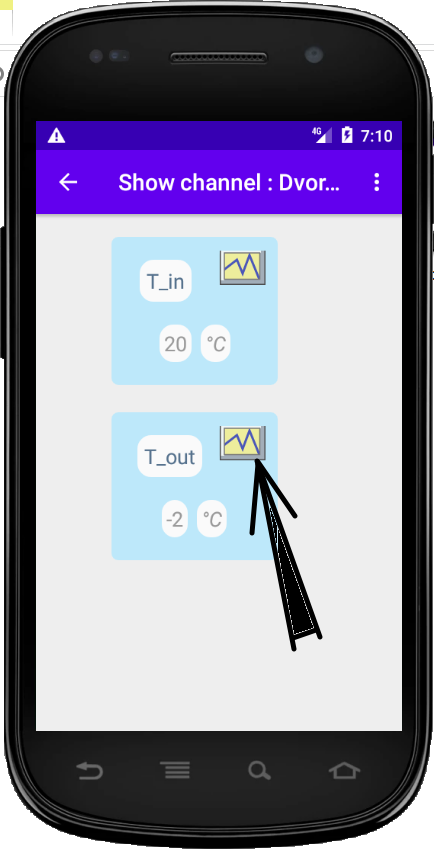
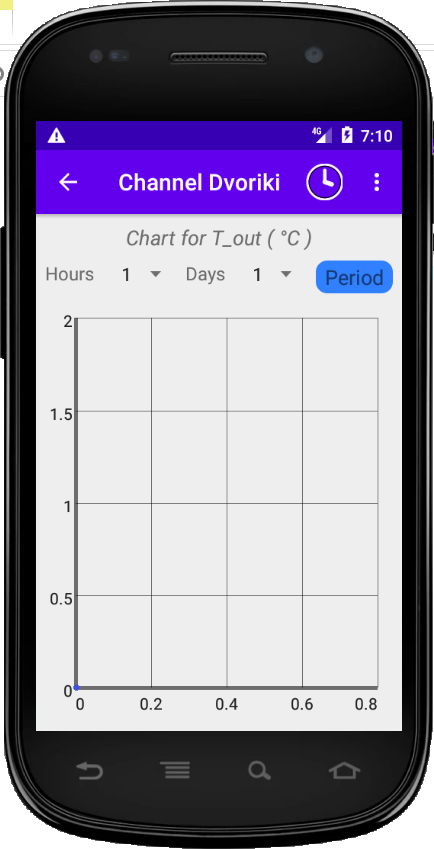
fields screen Fields screen - show last values. Tap on chart picture - go to chart screen for this field. Экран диаграмм Period must have start date - in this case be show only one day chart from 00:00:00 to 23:59:59
If set start and end date - show chart for period(edges include). If one date - start or end is broken( channel can`t create and etc) - chart be empty
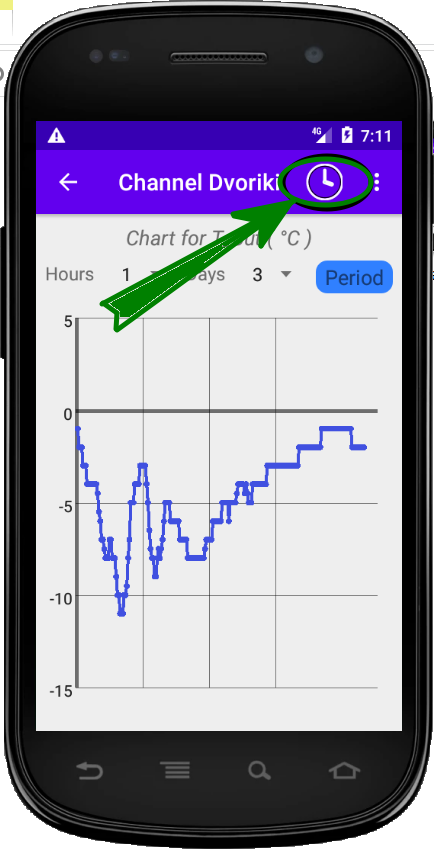
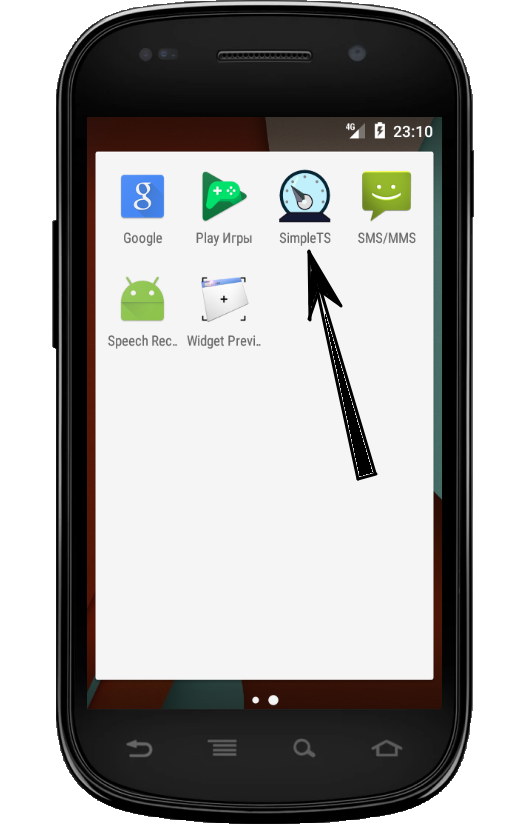
Chart Chart example. Tap on watch icon - show real time chart. It work if set update time for channel. If time not set, then go to channels screen and edit channel settings. Launch icon Launch icon for application.
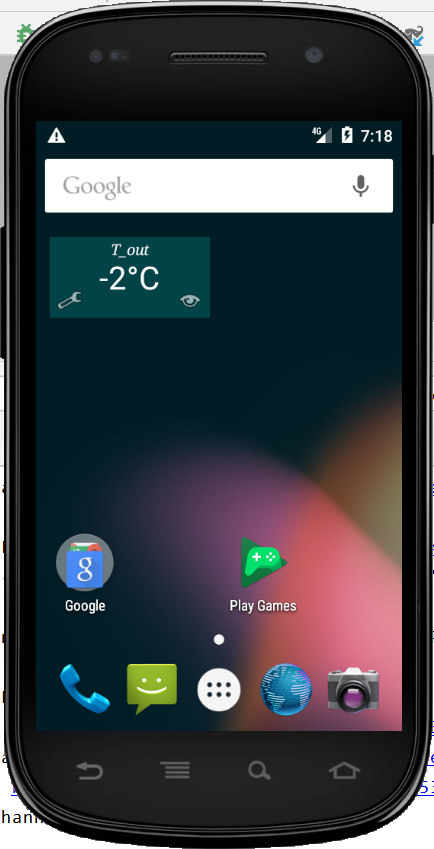
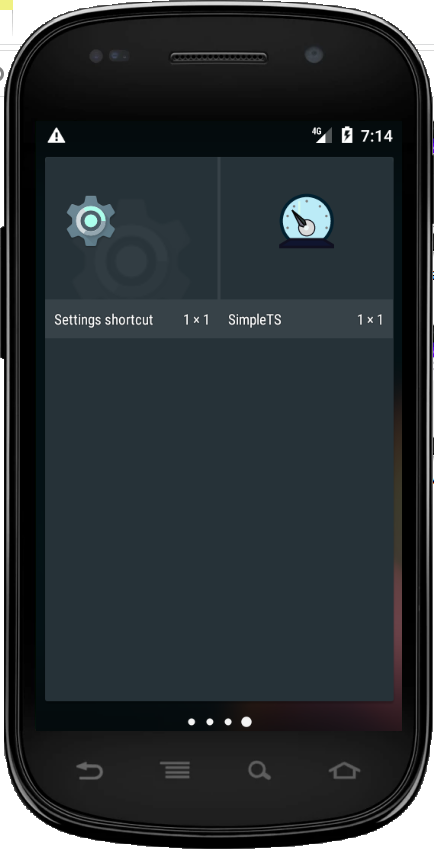
Widget on screen
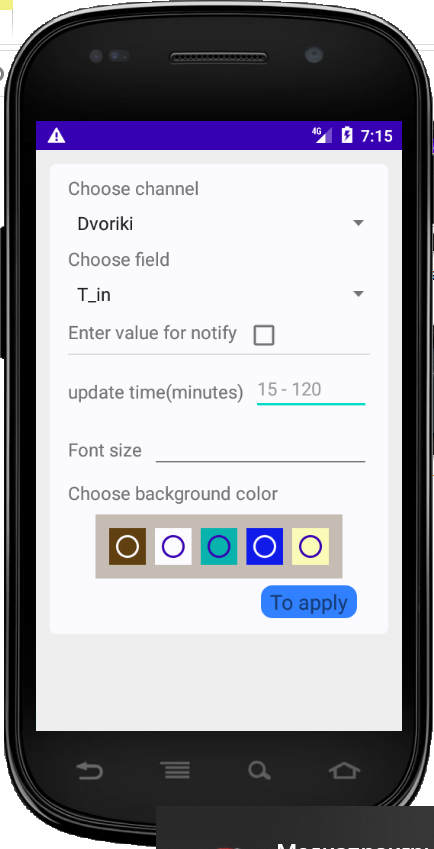
app icon Widget have same icon as application. For create - check it. On start be show settings dialog
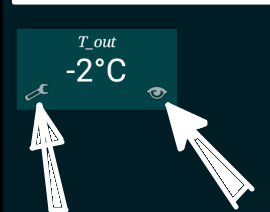
только виджет For remake widget tap on wrench icon.
For open main screen application - tap on eye icon.